If you've ever looked at your HubSpot bill and thought "why is it more expensive this month?" - marketing contacts are probably the answer. It's one of the most misunderstood parts of HubSpot's pricing model, and it catches a surprising number of businesses off guard.
The good news is that once you understand how marketing contacts work, you have a lot of control over your costs. The bad news is that most portals we audit are paying for contacts they don't need to market to. This guide covers everything - what marketing contacts are, how they're counted, what they cost, and how to manage them intelligently.
A marketing contact in HubSpot is any contact that you send marketing emails to or target with paid ads through HubSpot. Your HubSpot plan includes a set number of marketing contacts - and if you go over that limit, you either upgrade to the next tier or stop being able to market to new contacts.
Contacts that you store in your CRM but never market to - for example, suppliers, employees, or cold contacts you've imported but haven't engaged - can be set as non-marketing contacts and don't count against your limit. The split is entirely in your control.
Marketing Contacts vs Non-Marketing Contacts.
Every contact in your HubSpot CRM falls into one of two categories. Understanding the difference - and actively managing which contacts sit in which bucket - is the single most effective thing you can do to keep your HubSpot costs proportionate to actual value.
Contacts you actively market to via HubSpot. These count against your plan's marketing contact limit.
- Contacts enrolled in marketing email campaigns
- Contacts targeted via HubSpot ads audiences
- Form submissions set to create marketing contacts
- Contacts manually set to "marketing" status
- Any contact that receives a HubSpot marketing email
Contacts stored in your CRM for reference or operational purposes only. These are free to store regardless of your plan.
- Suppliers, vendors, and partners
- Employees and internal team members
- Cold contacts not yet ready for outreach
- Churned customers you no longer market to
- Imported contacts pending qualification
How HubSpot Counts Marketing Contacts.
HubSpot counts marketing contacts based on the marketing contact status property on each contact record - not on whether they actually received an email that month. If a contact is set to "marketing", they count against your limit even if you haven't sent them anything in six months.
This is the most important thing to understand about the system. You're not paying per send - you're paying for the pool of contacts you've designated as marketable. That's why keeping your marketing contact list clean and intentional matters so much.
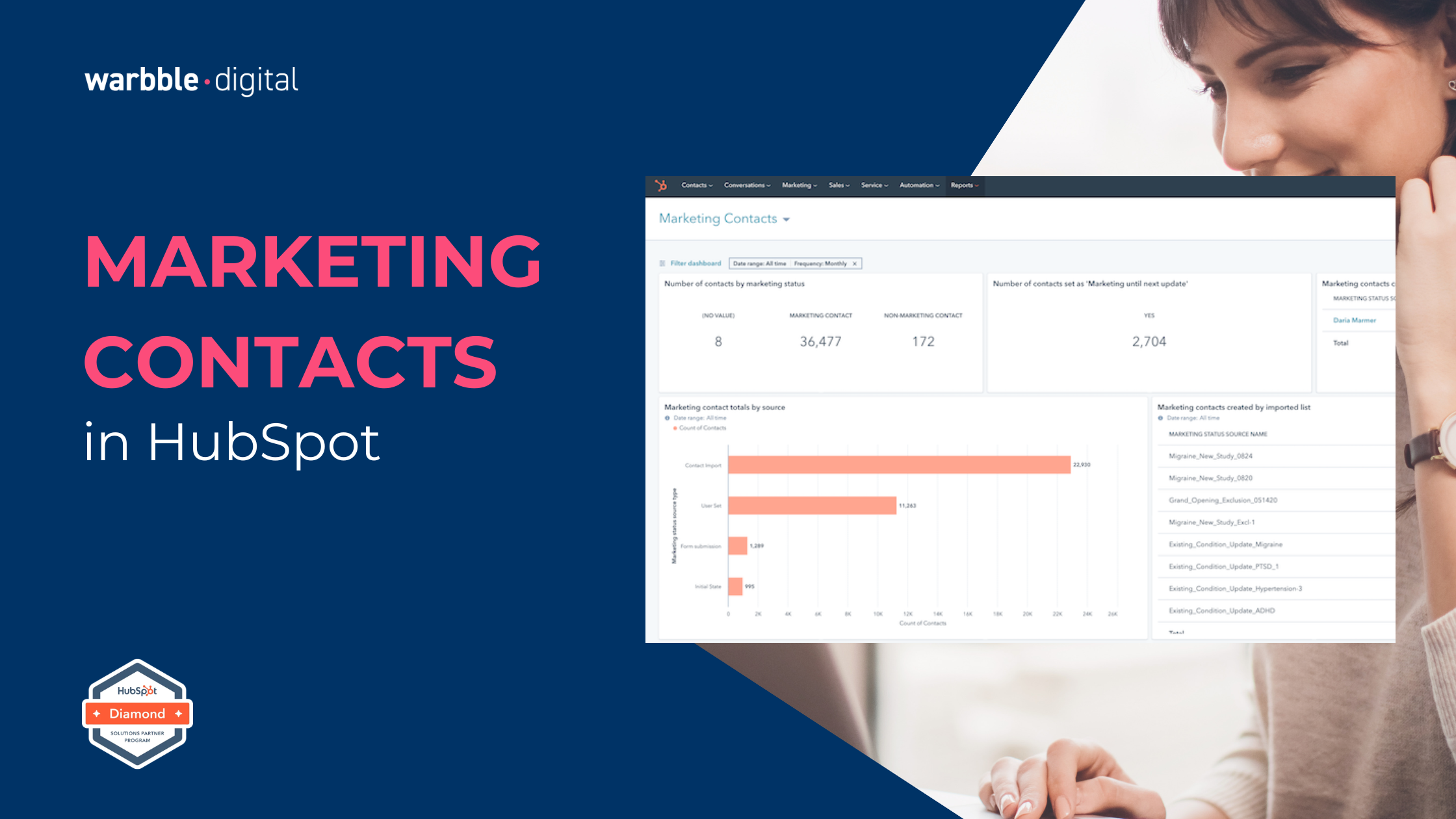
Go to Settings - Account Defaults - Marketing Contacts to see your current usage, your plan limit, and the date your count was last updated. You can also filter your Contacts view by the "Marketing contact status" property to see exactly who is and isn't set as a marketing contact.
HubSpot has default behaviours that will automatically set a contact as a marketing contact in certain situations - and if you're not aware of them, your count can climb faster than you expect.
Any contact created from a HubSpot form submission is set to marketing contact status by default. Any contact added to a marketing email send - even manually - becomes a marketing contact. Contacts synced from certain integrations may also be set as marketing contacts depending on how the integration is configured.
In your form settings, check whether new form submissions are being set as marketing contacts automatically. If you have high-volume forms capturing leads that go through a qualification process before any marketing activity, setting these to non-marketing by default - and promoting them to marketing status once qualified - can significantly reduce your contact count.
HubSpot calculates your marketing contact usage on a monthly basis and updates your count at the start of each month. However, if you exceed your plan's contact limit mid-month, HubSpot will notify you and restrict your ability to send marketing emails to new contacts until you either upgrade your plan or reduce your marketing contact count.
When you set a contact from marketing to non-marketing status, that change takes effect on your next monthly count - not immediately. So if you're approaching your limit, it's worth acting early rather than waiting until you've already hit the ceiling.
Set a recurring monthly task to review your marketing contact count in the first week of each month. A 15-minute review before the count updates can save you from an unexpected tier upgrade.
Marketing Contact Limits by HubSpot Plan.
HubSpot's marketing contact tiers scale with your plan - and you can purchase additional marketing contact packs on top of your base allowance. Here's how the limits break down across the main Marketing Hub tiers. If you're unsure which plan you're on or whether your HubSpot setup is configured for your actual contact volume, a quick portal audit will tell you immediately.
| Plan | Marketing Contacts Included | Additional Contacts | Non-Marketing Storage |
|---|---|---|---|
| Free | 1,000,000 (non-marketing sends only) | Not available | Unlimited |
| Starter | 1,000 | Purchasable in 1,000-contact increments | Unlimited |
| Professional | 2,000 | Purchasable in 5,000-contact increments | Unlimited |
| Enterprise | 10,000 | Purchasable in 10,000-contact increments | Unlimited |
Six Ways to Manage Your Marketing Contacts Intelligently.
Is Your Marketing Contact Setup Working For You?
- Your marketing contact count is reviewed at least once a month
- Unengaged contacts are regularly moved to non-marketing status
- Form defaults are set intentionally - not left on HubSpot's default
- Internal employees and suppliers are set as non-marketing contacts
- You're using workflows to promote contacts to marketing status on qualification
- Your contact tier matches your actual active audience - not your total database
- You're not sure how many marketing contacts you currently have
- Every imported contact is automatically set as a marketing contact
- Your marketing contact count has been creeping up month on month
- Suppliers, employees, or cold contacts are sitting in your marketing pool
- You've had an unexpected pricing upgrade due to contact tier overage
- Nobody on your team owns the marketing contacts setting in HubSpot
We've had a great experience with Greg and Hayley at warbble·digital, who have been endlessly helpful and patient with all our team, thank you!
- Parker, H. · Jul 2025 · Customer Success Training
Frequently Asked Questions.
Find out if you're paying for contacts you don't need.
We benchmark your portal across Feature Adoption, Data Quality, Automation Maturity, and Revenue Readiness - and give you a clear picture of where your money is going.
200+ Implementations