HubSpot Guide
Active vs Static Segments in HubSpot: How to Create Segments That Actually Work
Segmentation is where good marketing lives or dies - and in HubSpot, segments are built using lists. There are two kinds: active segments/lists that update themselves automatically, and static segments/lists that capture a fixed moment in time. They look almost identical when you create them, but they behave completely differently - and picking the wrong one is one of the most common reasons campaigns misfire. Here's how each works, when to use which, and how to build them properly.
What Is a Segment in HubSpot?
A segment is simply a group of records - contacts, companies, deals, or tickets - that share something in common: a job title, a location, a behaviour, a lifecycle stage. You segment so you can send the right message to the right people, rather than blasting everyone with the same thing. In 2025, HubSpot renamed its long-standing Lists tool to Segments to better reflect how modern marketers actually think - so if you're looking for "Lists", that's where it now lives.
When you create a segment, HubSpot asks you to choose between two types: active and static. This single choice determines whether your segment stays current on its own or freezes in place - so it's worth understanding before you click.
A living segment. HubSpot continuously checks every record against your criteria and adds or removes them automatically as their data changes. The segment is never out of date.
- Updates automatically, around the clock
- Records join when they meet the criteria
- Records leave when they no longer meet it
- Perfect for ongoing campaigns and automation
- Membership is governed by criteria, not by hand
A snapshot. HubSpot captures everyone who meets your criteria at the moment you save the segment - and then leaves it frozen. New records who later qualify won't be added unless you do it manually.
- Captures a fixed moment in time
- Does not update automatically
- You can manually add or remove records
- Perfect for one-off sends and fixed groups
- Ideal as the starting point for an import or event
Why the Choice Matters More Than It Looks
The difference between active and static isn't a technicality - it changes what your segment does the day after you build it. Here are the three things that trip people up most.
Active Segments Move - Static Segments Don't
This is the whole story in one sentence. An active segment of "all contacts in Dublin who are Marketing Qualified Leads" will gain new records the moment they meet both conditions, and quietly drop them when they no longer do - for example, when their lifecycle stage advances. A static segment of the same people captures who qualified on the day you saved it and never changes on its own. For a recurring newsletter, you want active. For "everyone who attended our March webinar", you want static.
You Can't Hand-Pick Records in an Active Segment
Because active segments are governed entirely by criteria, you can't simply add or remove an individual record by hand - the rules decide membership. To remove someone, you have to change their data so they no longer meet the criteria, or adjust the criteria themselves. If you find yourself wanting to "just add this one person", that's a signal you need a static segment, or that your active criteria need refining. Static segments, by contrast, let you add and remove records manually whenever you like - which is exactly why they suit curated groups.
You Can Now Convert Between the Two
This used to be a one-way street, but HubSpot has changed it: you can now convert an active segment to static, or a static segment to active, via the Actions menu. Converting an active segment to static freezes its current membership - useful when you want to "lock in" exactly who qualified at a moment in time. Converting a static segment to active (the segment must already have filters) hands membership back over to the criteria. HubSpot even lets you auto-convert an active segment to static on a chosen date or after a period of inactivity. It's a genuinely useful addition - but choosing the right type at the outset still saves you the round trip.
Active vs Static at a Glance
Here's a direct comparison of how the two segment types behave across the things that matter most when you're segmenting.
| Behaviour | Active Segment | Static Segment |
|---|---|---|
| Updates automatically | ✓ | ✗ |
| Records removed when criteria no longer met | ✓ | ✗ |
| Manually add or remove individual records | ✗ | ✓ |
| Captures a fixed point in time | ✗ | ✓ |
| Can be converted to the other type | ✓ | ✓ |
| Use as an enrolment trigger for workflows | ✓ | Limited |
| Ideal for recurring email campaigns | ✓ | ✗ |
| Ideal for one-off sends and events | ✗ | ✓ |
| Reflects the live state of your database | ✓ | ✗ |
| Good for importing a purchased or event list | ✗ | ✓ |
How to Create a Segment in HubSpot
Creating a segment is straightforward once you know which type you need. Here's the full process from start to finish.
Navigate to the Segments tool from the main menu.
CRM → Segments
You'll see all your existing segments here, along with their type (active or static), size, and last-updated date. Click "Create segment" in the top right to begin a new one.
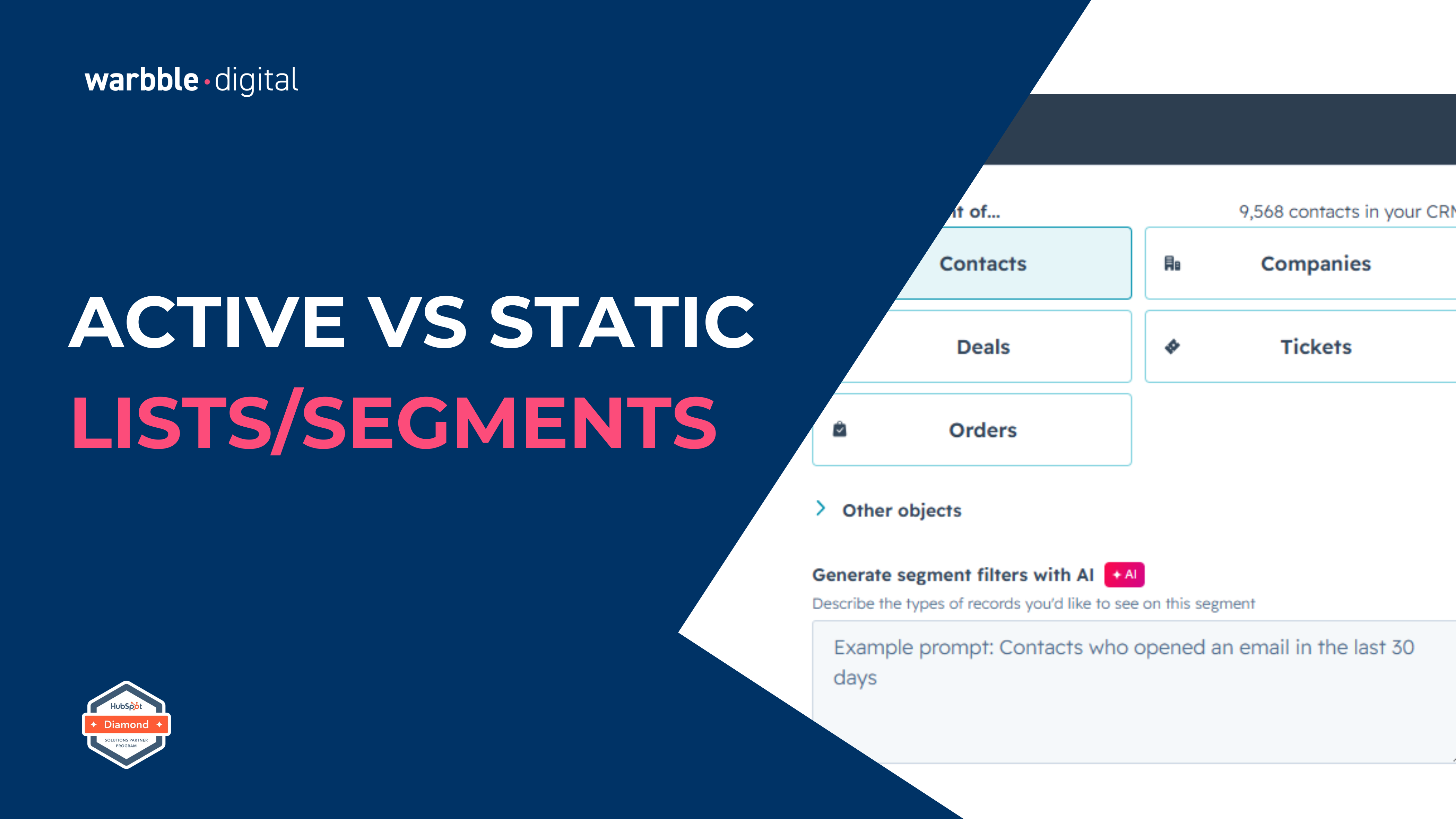
First, choose which object you're segmenting - contacts, companies, deals, or tickets. Contacts is the most common. Then make the decision that matters most: active or static.
Ask yourself one question: do I want this segment to keep itself up to date? If yes, choose active. If you want a fixed snapshot you control by hand, choose static. You can convert between the two later if you need to - but it's cleaner to choose deliberately up front.
This is where you tell HubSpot who belongs in the segment. Filters can be based on properties (job title, country, lifecycle stage), behaviours (email engagement, page views, form submissions), segment membership, and much more. If you're on a paid tier, you can even use Breeze AI to generate segment filters from a plain-language description.
HubSpot uses "AND" and "OR" logic to combine filters. Filters within the same group use AND (a record must meet all of them); separate filter groups use OR (a record need only match one group). For example: (Country is Ireland AND Lifecycle stage is MQL) OR (Country is UK AND Lifecycle stage is SQL). Getting this logic right is the difference between a precise segment and a messy one.
As you build your filters, HubSpot shows a live preview of how many records currently match. Use this to sanity-check your logic - if you expected a few hundred contacts and you're seeing three, your filters are too tight; if you're seeing your entire database, they're too loose.
Give the segment a clear, consistent name. A good convention is to include the type and purpose, e.g. "ACTIVE - MQLs Ireland - Newsletter" or "STATIC - March 2026 Webinar Attendees". Future you (and your colleagues) will thank you when there are 200 segments in the portal.
Click "Save and process segment". An active segment will begin processing immediately and continue updating from then on. A static segment captures its members at that moment and holds them.
From here, your segment is ready to use - as the recipient list for a marketing email, as an enrolment trigger for a workflow, as an audience for ads, or simply as a view for reporting and analysis. The segment you've built is only as valuable as what you do with it next.
Are Your Segments Helping or Hurting?
A well-organised set of segments is one of the quiet hallmarks of a healthy HubSpot portal. A sprawling, unmaintained one is a sign of trouble. Here's how to tell which you have.
Signs Your Segmentation Is Healthy
Warning Signs to Fix
Frequently Asked Questions
We've had a great experience with Greg and Hayley at warbble·digital, who have been endlessly helpful and patient with all our team, thank you!
- Parker, H. · Jul 2025 · Customer Success TrainingAre your segments working as hard as they could be?
Get a free Thrive Score in 30 minutes. We benchmark your portal across Feature Adoption, Data Quality, Automation Maturity, and Revenue Readiness - and segmentation hygiene is one of the first things we check.
200+ Implementations